Photo Background Remover
Remove the background, or swap it
Background eraser and changer: transparent PNG, white, colors, or your photo.
Free. Nothing to install, no sign-in.
How it is used
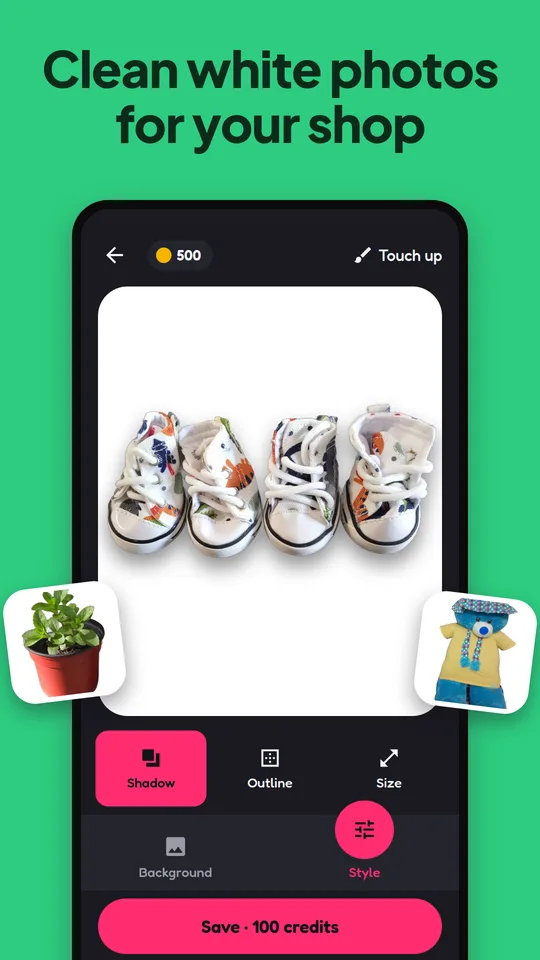
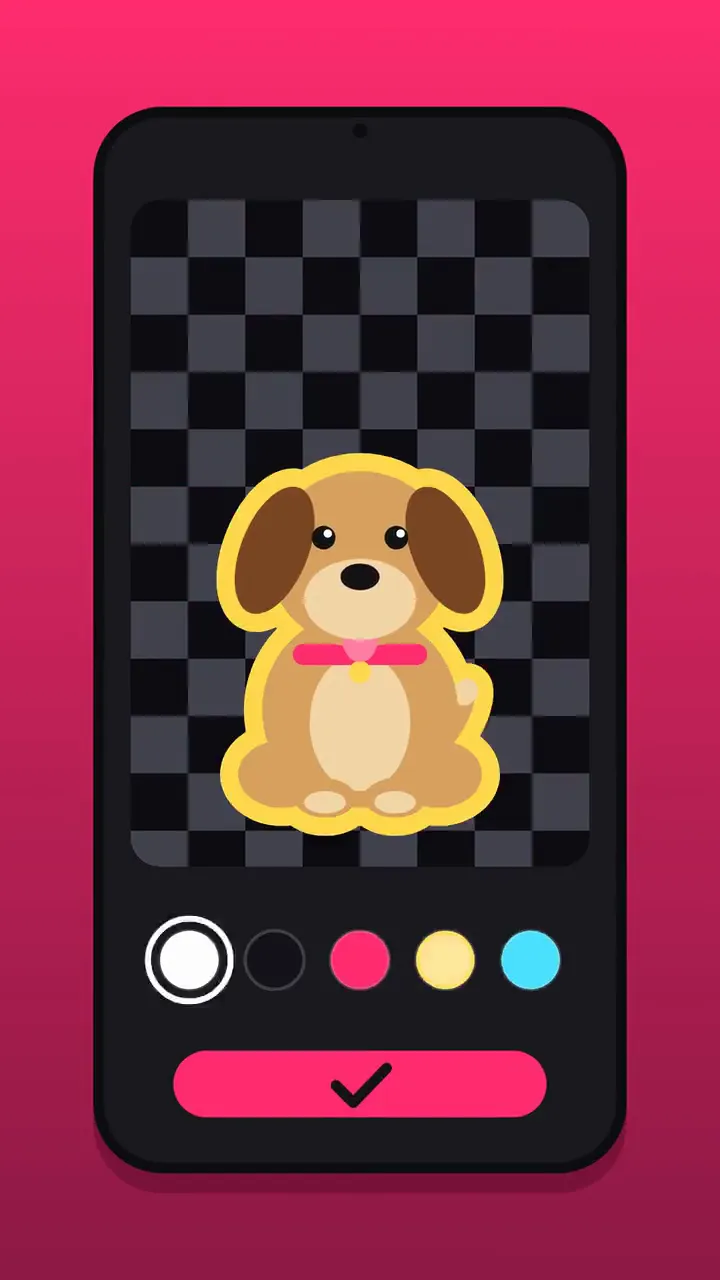
A background remover that works right on your phone: take the background out of a photo and save the cutout as a transparent PNG for a sticker, a thumbnail, a flyer, or a profile picture. Or change it: a clean white background for a product listing, a solid color, a gradient, a blur, or any picture of your own.
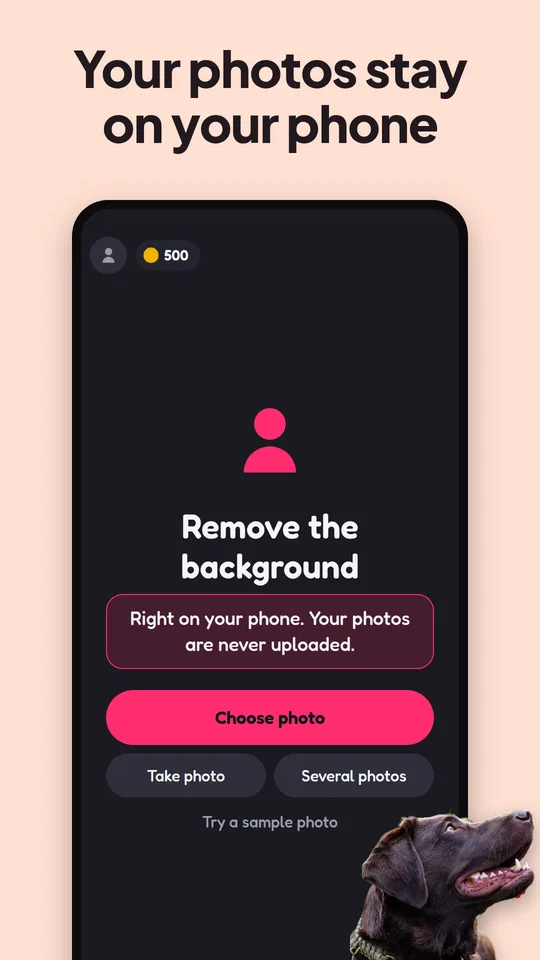
It all happens on your phone. Your photo is never uploaded to a server, and nobody sees it unless you share it. The first time, the app downloads the background remover once, so it needs the internet that one time.
HOW IT WORKS
- Choose a photo, take one with the camera, or share one from another app. Or tap Try a sample photo first.
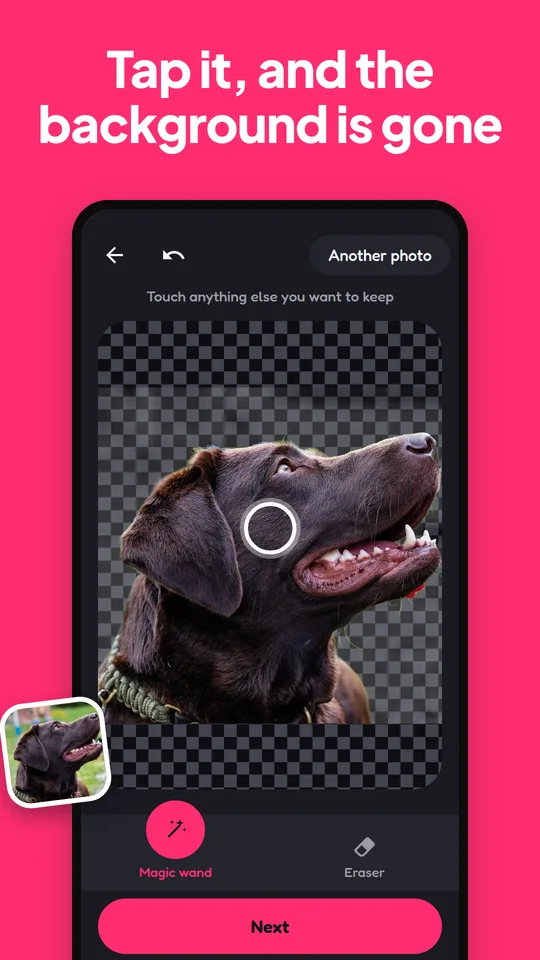
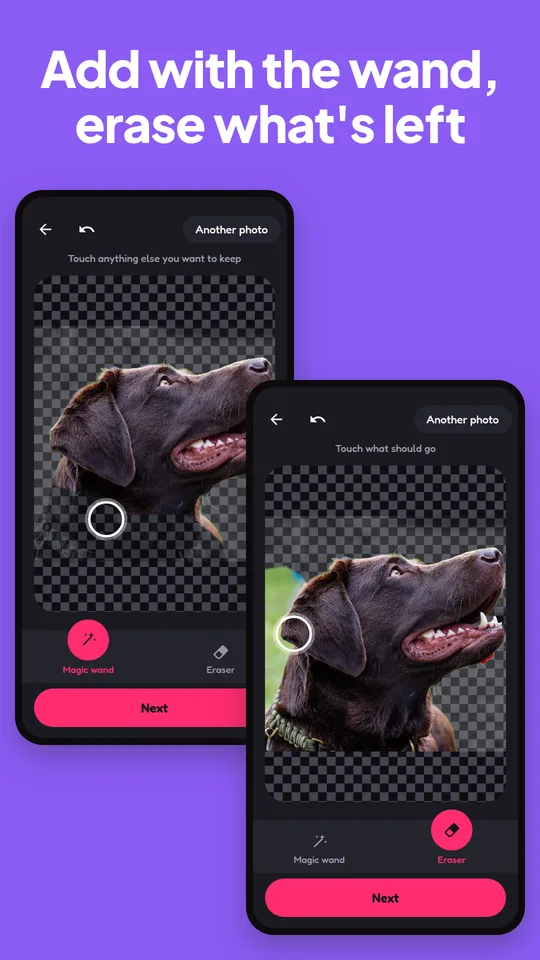
- Tap the person, pet, or object to keep. Magic wand adds, Eraser takes away. Then tap Next.
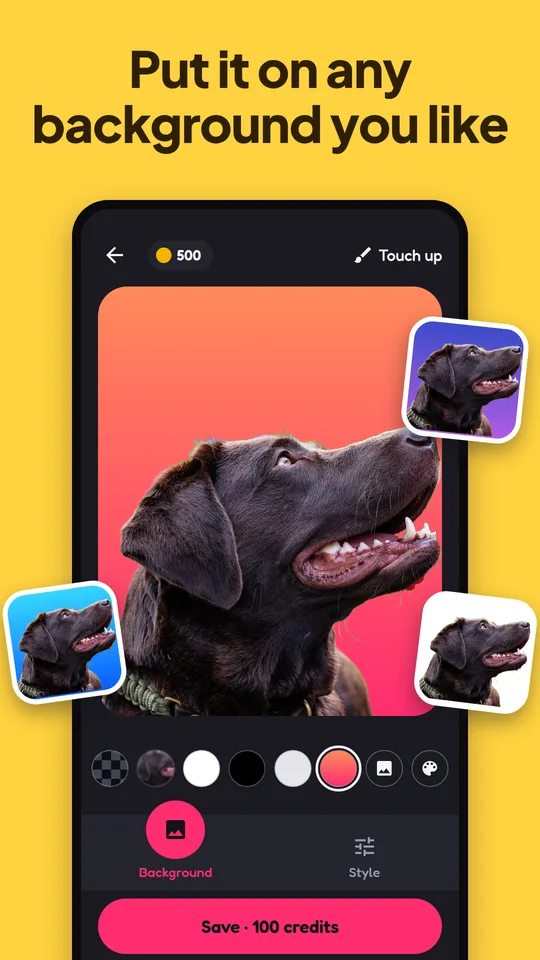
- Keep the background transparent, or pick a new one under Background. Add a shadow or an outline under Style.
- Tap Save, pick the size and format, and it's saved to your photos. Then share it or open it.
MANY PHOTOS AT ONCE
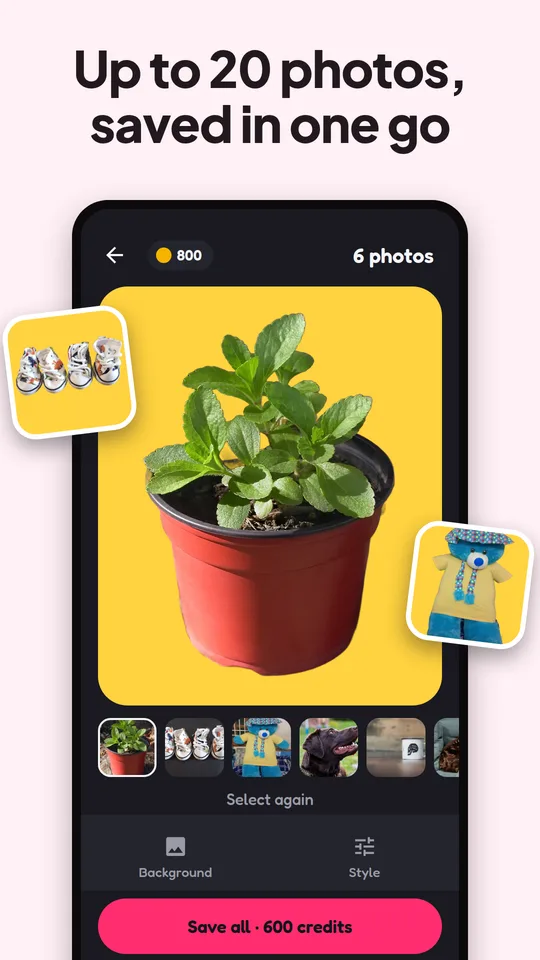
Tap Several photos and choose up to 20, or share them from another app. They open one by one: tap what to keep, or tap Skip. Tap any thumbnail to preview that photo with your background, then save them all in one go. Each subject stays where it is in its own photo. Tap Stop at any point, and whatever is already saved stays in your photos. When they're done, share the whole set at once.
NEW BACKGROUNDS
- 8 solid colors, including white and black
- Sunset, dusk, and ocean gradients
- A blurred copy of the photo itself, for a portrait look
- Any picture from your photos
On a new background, drag the subject to move it and pinch to resize it. Add a soft drop shadow or a white outline. The background and style you used last are remembered for your next photo.
SAVE IT YOUR WAY
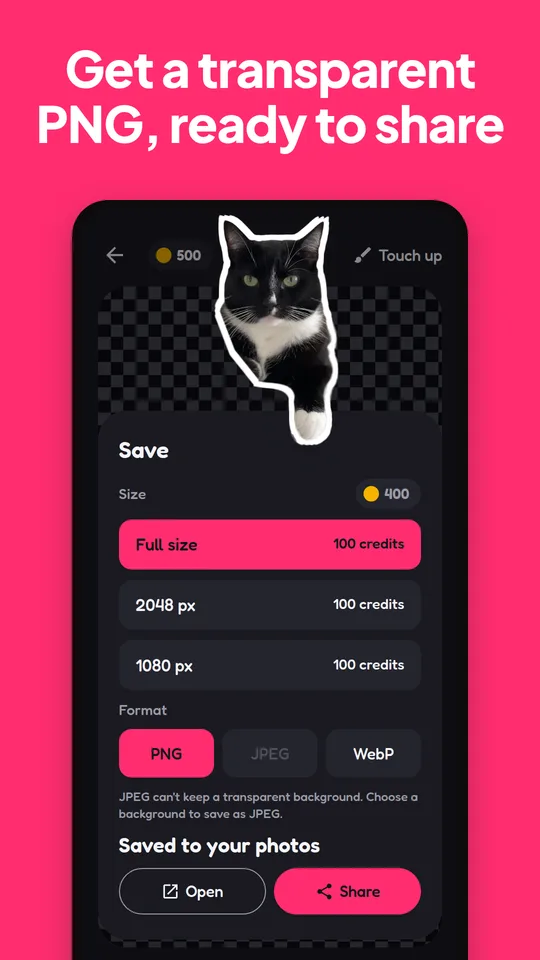
One Save window holds it all: PNG, JPEG, or WebP, at full size (up to 4096 pixels on the long side), 2048, or 1080 pixels, with the credit cost shown. A transparent cutout saves as PNG or WebP. Edges are refined against the full-size original, so hair, fur, and fine outlines stay crisp.
TOUCH UP BY HAND
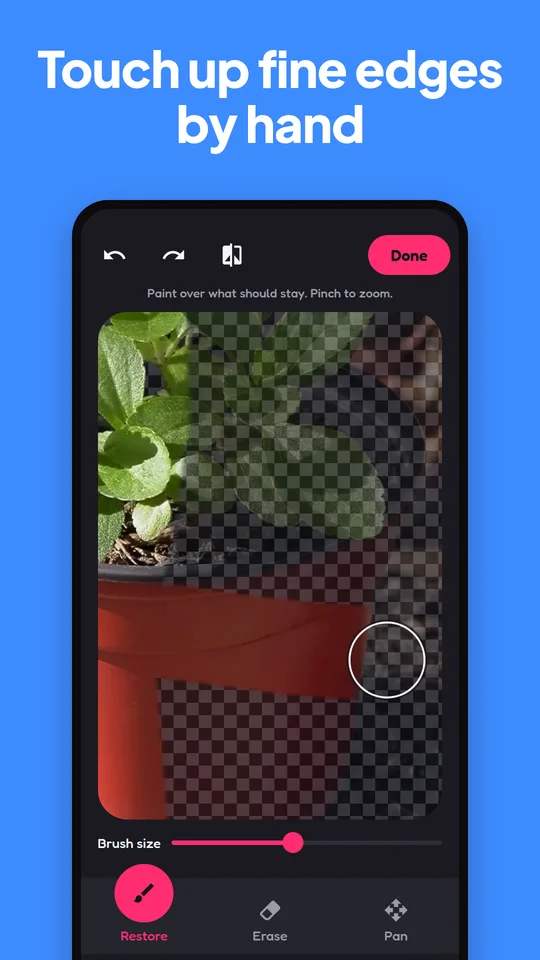
Tap Touch up, then paint with Restore to bring back an edge that was missed, or with Erase to clean up what was left behind. Set the brush size, pinch to zoom, switch to Pan to move around with one finger, and use Undo and Redo as often as you like. Press and hold the compare button to see the original photo.
WORKS BEST ON
People and portraits (hair included), pets and fur, products and packaging. Glass and see-through objects come out as solid shapes, and a pale subject against a bright background can lose its lightest parts. A different photo often does better.
CREDITS
Each saved image uses 100 credits, whatever the size or format. Sharing or opening it afterward is free, and so is sharing a finished batch or saving the sample photo. You start with 500 free credits; 1 more drips in about every 5 minutes. While you're away, up to 100 pile up (about 8 hours, one free save), then the drip stops until you open the app. Out of credits? Watch a short ad for 100 more, or buy a pack of 3,000 or 10,000. Unlimited is a one-time buy: save all you like, no credits, no ads.
That short ad is the only ad in the app, and it plays only when you choose to watch it. It comes from Google AdMob or from ZaparoAds, our own ad network. Where the law requires it, you choose how ads are personalized, and you can change that in Settings.
NO SIGN-UP NEEDED, NO PHOTO PERMISSION
Use it as a guest. Signing in with Google or email is optional and brings back what you bought after a data deletion or on a new phone. Your photos never reach our server. The app also sends usage data under a random ID, like which tools were opened, but never a photo or anything about what's in it. You can delete your free credits, credit history, and this app's usage data anytime in Settings, under "Delete my data from this app." The app doesn't ask for access to your photos: Android's photo picker hands over only the pictures you choose.
- The app speaks
- English, Turkish, Arabic, Dutch, French, German, Hindi, Indonesian, Italian, Japanese, Korean, Polish, Portuguese, Russian, Spanish, Thai, Ukrainian, Vietnamese, b+zh+Hant, es-ES, zh
- Privacy policy
- Privacy policy